

Here’s what we’d do
Choose one small personal task each, say what you hope to finish, then work quietly on a call. Keep the task private if needed; the shared start and finish provide enough structure.
How to make it happen
Go at your own pace.
- Before inviting
Set up the plan
Agree on a calling link, work interval, and whether cameras or microphones stay on.
- Together
Give the activity room
Start with a two-minute check-in, work for forty minutes, then pause before reporting back.
- A good ending
Finish without pressure
Name the next step without turning unfinished work into a failure.
Choose your version
A few things to know
Existing tools for each person's task
Existing tools for each person's task. This is a suggested spending arrangement, not a current price quote. Agree on the total and any contributions before anyone buys supplies or commits to a venue.
Is this your kind of plan?
Exchange a start and finish message. No live call needed, but less sense of working alongside someone.
- Keep sensitive screens and documents out of screen sharing.
- Confirm the headcount, date, and finish time before making purchases or reservations.
Choose the version that fits
Exchange a start and finish message. No live call needed, but less sense of working alongside someone.
Make the link useful
Agree on a calling link, work interval, and whether cameras or microphones stay on. Include the date, start and finish, meeting point or call link, and the spending arrangement. The suggested duration is a starting point you can change.
Keep a good idea
Good idea. Maybe later?
Save it for your people, or choose when to revisit it.
Bring this back on a date
We’ll show it when you return to this browser. This doesn't send an email or notification.
Who’s up for this?
Suggest a time
A remote project hour for things you keep putting off
- When
- Choose a time together
- Spending
- Existing tools for each person's task
Review before inviting. Nothing sent or booked. Organizer access required.
Or share a message in your chat
No account needed. You choose who gets it.
Friends reply in your chat. This link opens the guide, not a poll.
Good questions
Do our tasks need to match?
No. One person can sort photos while another writes; choose work compatible with a quiet shared interval.
What should we confirm before making this definite?
Keep sensitive screens and documents out of screen sharing. Agree on a calling link, work interval, and whether cameras or microphones stay on.
About this plan
This is an original Hang Later planning template. Example budgets are suggested limits, not quoted prices or measured savings.
How we research and maintain these plans ↗
About the images
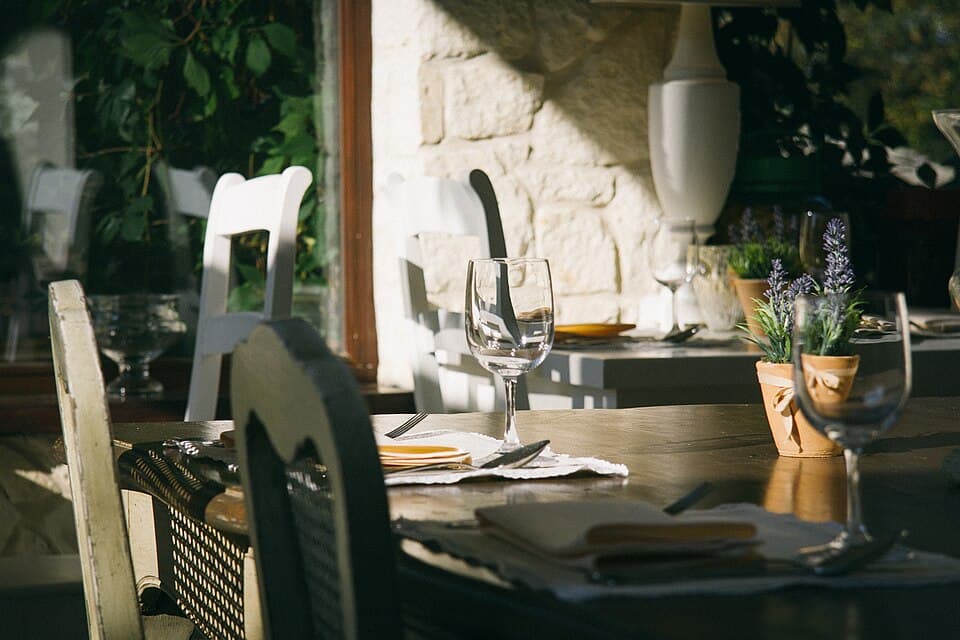
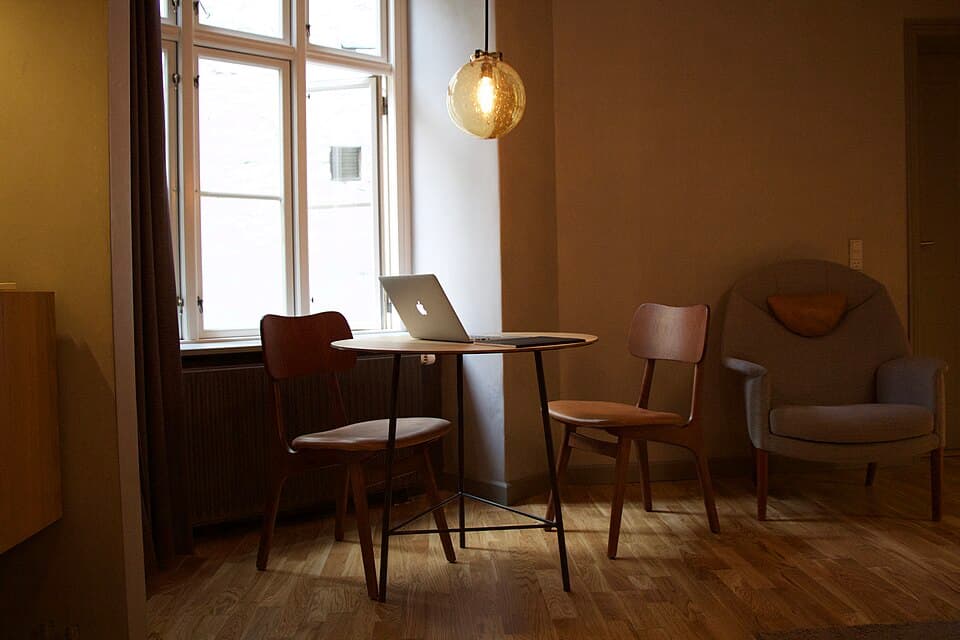
Venue images are archival photographs, not today’s conditions. Other photographs illustrate the activity and don't show a named venue.
An open laptop on a table in a living room · illustrative photograph. Henry McIntosh henrymcintosh ↗ · CC0. Resized and cropped for display; the image retains this license.
Comfortable seating beside a brick wall · illustrative photograph. Sabri Tuzcu sabrituzcu ↗ · CC0. Resized and cropped for display; the image retains this license.
Two takeaway coffees held side by side · illustrative photograph. AJ Garcia ajgarciaco ↗ · CC0. Resized and cropped for display; the image retains this license.